Real Estate guide
How to make a neighborhood tour guide for home buyers
Two friendly local hosts walk buyers and visitors through a neighborhood, block by block.
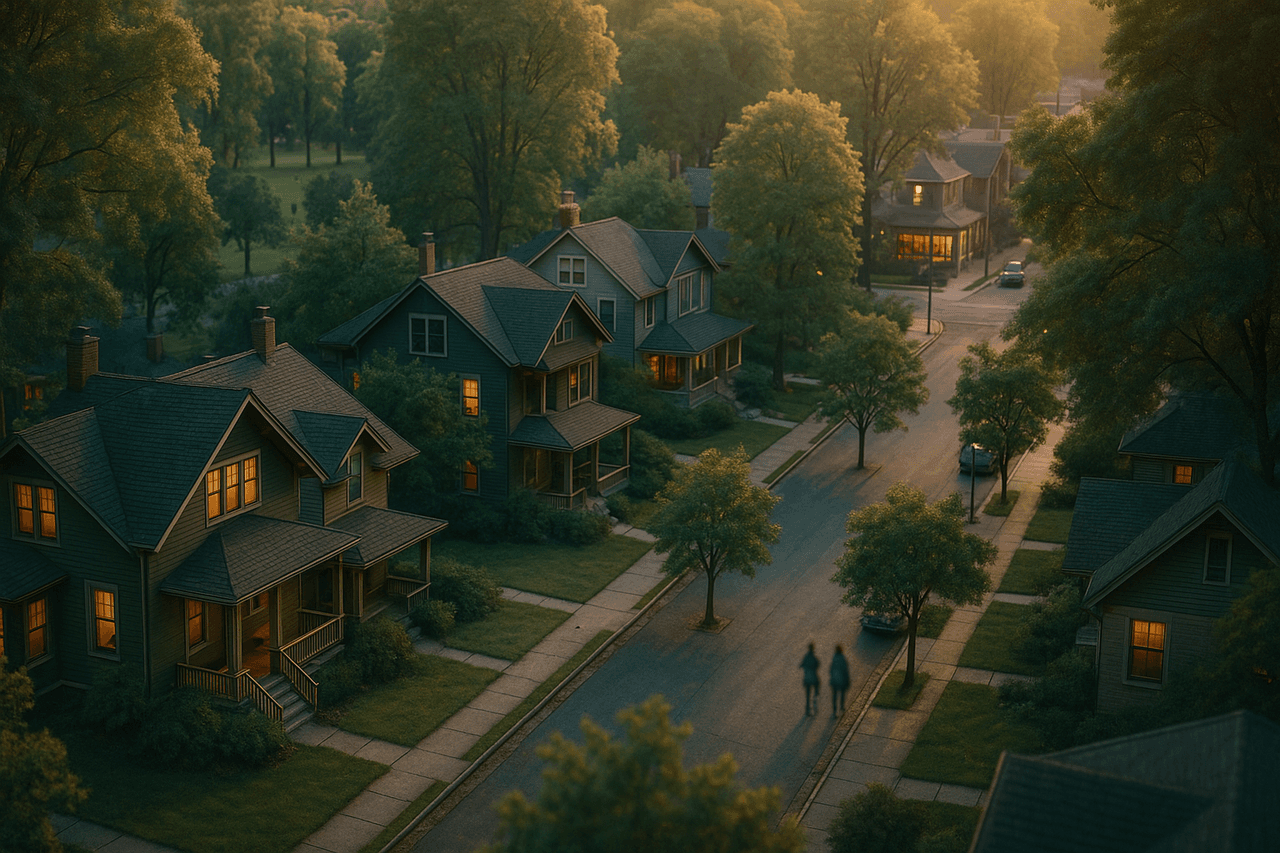
Turn any neighborhood into a warm, two-host audio walkthrough — schools, commute, dining, and street-level vibe — that buyers and visitors actually want to hear.
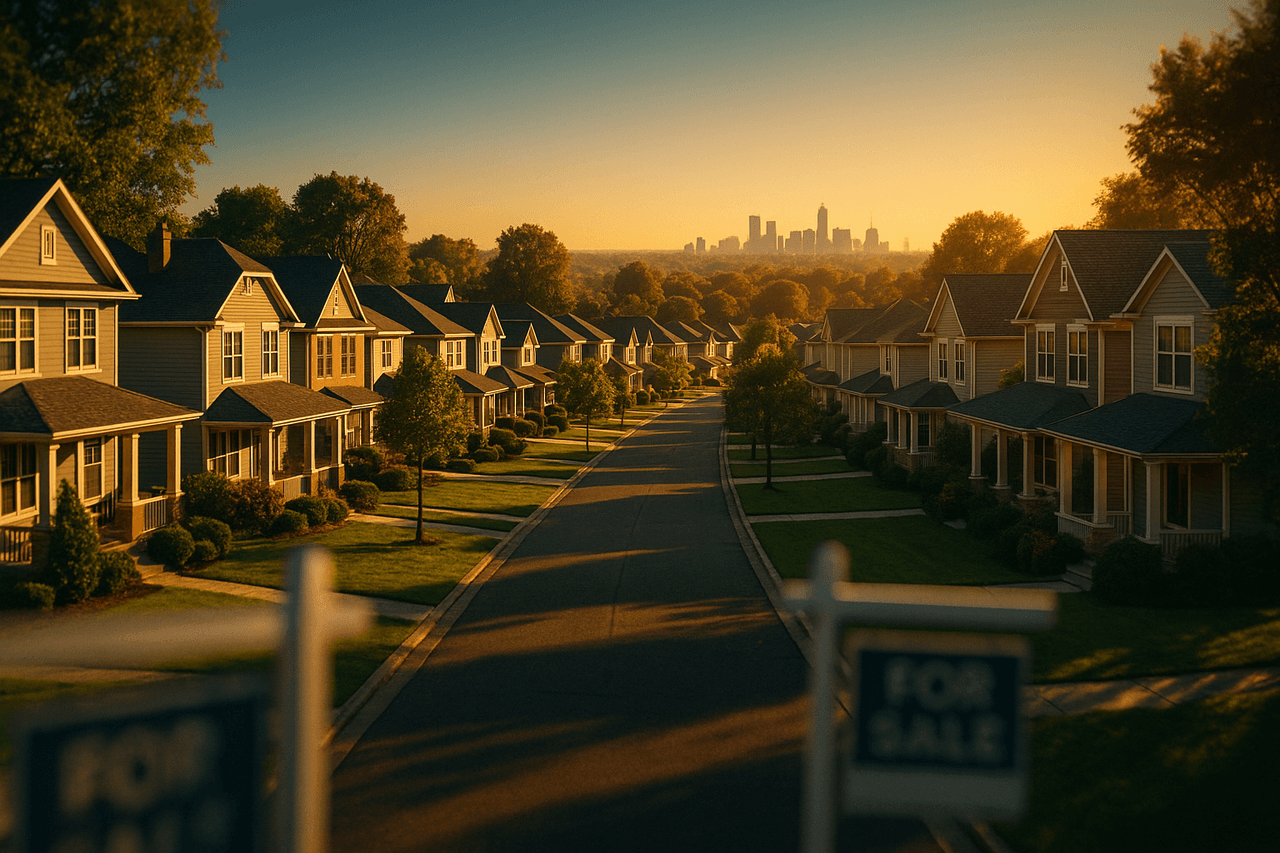
A listing photo shows the house. A neighborhood tour guide shows the life around it — the walk to the coffee shop, how bad the morning commute really gets, which park the dogs claim at sunset, and whether you can hear the freeway from the backyard. That street-level context is exactly what buyers and relocating families agonize over, and it's almost never in the MLS. A short two-host audio walkthrough answers it in the time it takes to drive across town.
The Neighborhood Guide template turns that into a repeatable production. You give it an area — a ZIP code, a listing URL, or your own notes — and Pollinator Studio writes a natural back-and-forth between two local-feeling hosts, voices it, mixes in a light background bed, and hands you a finished MP3 plus an RSS feed. No microphone, no co-host, no editing suite. Just a warm, credible tour you can attach to a listing, drop into a relocation packet, or publish as an ongoing area series.
How to make one with Pollinator Studio
- 1
Start from the Neighborhood Guide template
One click opens the template fully preset for a two-host area tour — the structure (overview → schools & families → commute & transit → dining & nightlife → green space & vibe → who it's for), the host pairing, and a relaxed-but-informative tone are already in place. Use it exactly as-is, or treat it as a starting point and change any part you like.
- 2
Add the neighborhood
Drop in a listing URL, paste your own neighborhood notes, or just type the area name and a few topics ("Highland Park: walkability, top elementary, 280 commute, taco scene"). Pollinator Studio pulls in the content and shapes it into a tour. For a recurring series, you can point it at a fresh area each time.
- 3
Pick your two hosts
The default pairing is Vale as the warm local host and Orion as the practical buyer's advocate who asks the questions house-hunters actually have. Preview any of the 73 voices and swap them to match your brand, then set each host's delivery and pace — a touch slower and friendlier reads far better for a tour than a rushed news clip.
- 4
Generate and edit the script
AI writes the walkthrough as a real conversation. Edit any line, correct a local detail, add the actual school ratings or HOA notes, and tune the intro and outro prompts so every episode opens with your tagline and ends with a clear call to schedule a showing or book a visit.
- 5
Set length, music, and cover art
Pick a target length (6–9 minutes is the sweet spot for an area tour), choose a light upbeat bed from the 83-track licensed music library so it never feels like a dry data dump, and generate or upload cover art — ideally a recognizable shot of the neighborhood, not the house.
- 6
Render, publish, and reuse
Audio renders in a couple of minutes. Download the MP3 to embed on a listing page or text to a relocating client, or submit your built-in RSS feed once to Spotify, Apple Podcasts, and Amazon Music so an ongoing area series publishes automatically. Then save your setup as a custom template so the next neighborhood takes seconds.
Make it your own
The Neighborhood Guide template is ready to use as-is — one click and you're generating. But every part is editable: swap any of the 73 AI voices and set each host's delivery and pace, change the background music, edit the AI script and intro/outro prompts, set the length, and add your own or AI-generated cover art. Point it at a different ZIP code or listing, swap the two hosts from 73 voices, dial the tone from polished-realtor to chatty-local, and change the music bed from upbeat to mellow. Save your version as a custom template so every new neighborhood follows the same trusted format.
Prefer to start from scratch? Build your own custom template and save your setup to reuse for every future episode.
Tips for a great real estate episode
- Lead with the honest trade-offs, not just the highlights — buyers trust a tour that admits the parking is tight or the trains run late far more than a flawless sales pitch.
- Anchor every claim in something concrete: "a seven-minute walk to the farmers market," "three stops on the express bus," "the elementary feeds into Lincoln High" — specifics are what make an area feel real.
- Record one tour per neighborhood, not per listing, then reuse it across every home you sell in that area — it pays for itself many times over.
- Keep the buyer's-advocate host slightly skeptical so the two voices feel like a real conversation; friendly tension reads as honesty.
- End with a single clear next step — book a showing, request the relocation guide, or DM for the full street-by-street breakdown.
What you can do with Pollinator Studio
- 100+ ready-made templates — one click to start
- 73 AI voices — preview + per-host delivery & pace
- AI script from a URL, pasted text, or a topic
- 83-track licensed music + transition library
- AI-generated (or upload your own) cover art
- One-click RSS distribution to Spotify, Apple & Amazon
Try the Neighborhood Guide template free
30 minutes of audio per month. No credit card, no microphone.
Start freeFrequently asked questions
What should a neighborhood tour guide actually cover?
The Neighborhood Guide template walks through the things buyers and visitors care about most: an overview and overall vibe, schools and family fit, commute and transit, dining and nightlife, parks and green space, and a closing "who this area is right for." You can add, remove, or reorder any of these sections in the script.
Do I need a microphone or any recording gear?
No. Both hosts are AI voices, so there's no recording, no co-host to schedule, and no editing software. You write or paste the content, pick your voices, and Pollinator Studio produces the finished audio in your browser.
Can I reuse the same tour for multiple listings in one area?
Yes — that's the whole point. Make one tour per neighborhood and attach it to every listing you have there. When details change, edit the script and re-render in minutes rather than starting over.
Which voices does it use, and can I change them?
It defaults to Vale as the local host and Orion as the buyer's advocate, but you can preview all 73 voices and choose any pairing, then set each host's delivery style and pace to match your brand.
How long does an area tour take to make?
A typical 6–9 minute tour is scripted, voiced, mixed, and ready to publish in a few minutes. Once you save your custom template, each new neighborhood is even faster.