Events guide
Conference Day Recap: Make an End-of-Day Audio Recap of Any Event
Wrap every conference day in a sharp, shareable audio recap — by the time the badge comes off.
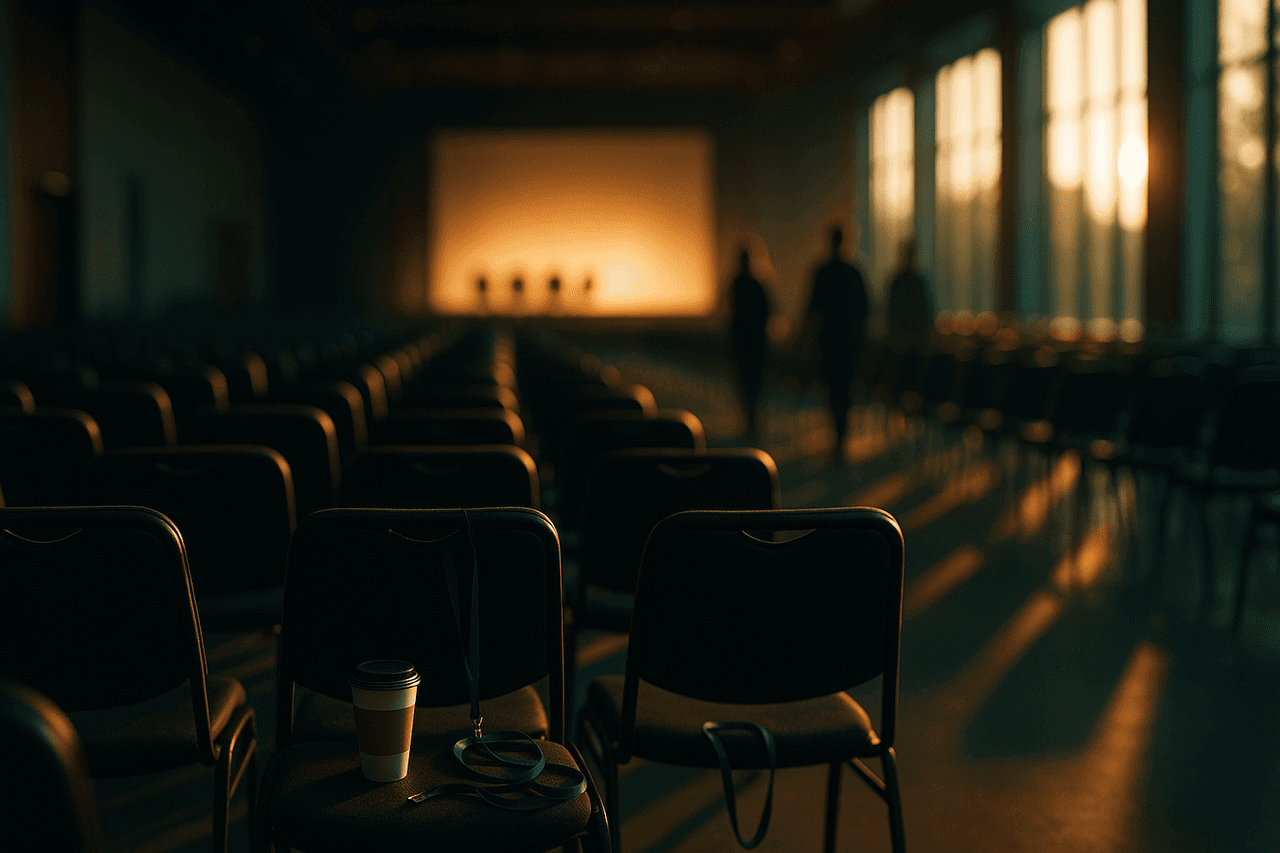
A done-for-you Conference Day Recap template that turns your day at an event — keynote highlights, breakout sessions, hallway chatter, and emerging themes — into a tight two-host audio recap. Start from the pre-built template, drop in your notes or the agenda, pick voices, and render an MP3 or push it to Spotify, Apple Podcasts, and Amazon Music the same evening.
A Conference Day Recap is the short end-of-day debrief that busy attendees actually listen to: which keynote landed, the one breakout everyone left talking about, the hallway takes that aren't in any session description, and the themes quietly trending across the floor. It's the difference between a 40-tab folder of notes nobody opens and a five-minute recap your whole audience plays on the walk back to the hotel.
It works because conferences move too fast to summarize in real time and too richly to capture in a tweet. A two-host recap format gives the day shape — one host frames the big talks and announcements, the other surfaces the candid hallway reactions and the trend lines — so listeners get both the official program and the unofficial mood in one pass. Pollinator Studio's pre-built template handles the structure; you just bring the day.
How to make one with Pollinator Studio
- 1
Start from the Conference Day Recap template
From the template gallery, open the Events category and click Conference Day Recap. One click loads a ready-to-go recipe: two anchors, an intro that names the event and day, segment beats for top talks, hallway takes, and what's trending, plus an outro that teases tomorrow. You can generate from it as-is, or edit any part before you render.
- 2
Feed it the day
Drop in what you've got. Paste your session notes or bullet points, point it at the event's online agenda or recap URL, or just type the topic — 'Day 2 of SaaStr, the AI-pricing keynote and the developer-experience track.' The AI turns raw material into a coherent recap, pulling out the headline talks and the connective themes instead of listing every session.
- 3
Cast and tune your two hosts
The template ships with a warm, conversational lead voice and a brighter co-host so the recap feels like a debrief, not a readout. Preview all 73 voices and swap either host, then set each one's delivery and pace — keep the lead measured for the keynote recap and let the co-host run a touch quicker for the hallway-buzz segment. Add pronunciation rules for the speaker names, vendor brands, and session acronyms that show up all week so they're said right every single day.
- 4
Set length, music, and cover art
Pick a target length — five to eight minutes is the sweet spot for an end-of-day recap people finish. Choose a background bed and transition stings from the 83-track licensed library to mark the shift between talks, hallway takes, and trends. Generate cover art from a prompt like 'modern conference hall at golden hour' or upload the event's own key art so each day's episode is on-brand.
- 5
Generate, review, and adjust the script
Render the script and read it through. Tighten any segment inline, rewrite the intro to match the day's real headline, or adjust the AI prompt and regenerate — for example, ask it to lead with the most-discussed announcement rather than the opening keynote. Audio renders asynchronously and fast, so you can queue it while you pack up the booth.
- 6
Download or distribute the same evening
Download the finished MP3 to share in the event Slack, the attendee app, or a follow-up email — or use one-click RSS distribution to push the day's recap to Spotify, Apple Podcasts, and Amazon Music. For a multi-day event, save your tuned version as a custom template so Day 1 through Day 4 all sound consistent, and newsroom editions can connect the agenda feed to auto-publish each evening on a schedule.
Make it your own
The Conference Day Recap template is ready to use as-is — one click and you're generating. But every part is editable: swap any of the 73 AI voices and set each host's delivery and pace, change the background music, edit the AI script and intro/outro prompts, set the length, and add your own or AI-generated cover art. Use the Conference Day Recap template exactly as it ships, or make it your own: swap either host from 73 voices, set each anchor's delivery style and pace, change the background bed and transitions from the 83-track licensed library, rewrite the AI script and intro/outro prompts, set the target length, and add AI-generated or uploaded cover art. Happy with your version? Save it as your own custom template so every day of the event sounds identical.
Prefer to start from scratch? Build your own custom template and save your setup to reuse for every future episode.
Tips for a great events episode
- Record the recap in past tense and present mood: 'Today the AI-pricing keynote stole the room, and the hallway argument it kicked off is still going.' It reads like a debrief, not a brochure.
- Cap it at one headline talk, two or three secondary mentions, and one trend per episode. A recap that tries to cover all 60 sessions becomes a directory nobody finishes.
- Load every speaker name, sponsor brand, and session acronym into pronunciation rules before Day 1 — they recur all week, and fixing them once keeps the whole series sounding professional.
- Give the two hosts distinct jobs: the lead handles 'what happened on the main stage,' the co-host handles 'what people were actually saying about it.' The contrast is what makes the format feel alive.
- Save your customized version as a template after Day 1 so the intro music, voices, pace, and cover-art style carry over automatically — your series stays consistent and each day takes minutes.
What you can do with Pollinator Studio
- 100+ ready-made templates — one click to start
- 73 AI voices — preview + per-host delivery & pace
- AI script from a URL, pasted text, or a topic
- 83-track licensed music + transition library
- AI-generated (or upload your own) cover art
- One-click RSS distribution to Spotify, Apple & Amazon
- Schedule daily/weekly auto-generation + auto-publishing from your feed
Try the Conference Day Recap template free
30 minutes of audio per month. No credit card, no microphone.
Start freeFrequently asked questions
What do I feed it if I didn't take detailed notes?
You don't need a transcript. Paste a few bullet points, link the public agenda or a recap article, or just type the topic and the talks that stood out. The AI builds the recap structure — top talks, hallway takes, what's trending — around whatever you give it, then you refine the script before rendering.
How long should an end-of-day conference recap be?
Five to eight minutes is ideal — long enough to cover the day's headline talk, a couple of secondary sessions, and an emerging theme, short enough that attendees finish it on the walk back to the hotel. Set your target length in the template and the script is paced to fit.
Can I keep every day of a multi-day event sounding the same?
Yes. Tune the template once — voices, host pacing, music bed, intro/outro prompts, cover-art style — then save it as your own custom template. Day 1 through the closing day all use the same recipe, so you only change the content each evening.
Will speaker and sponsor names be pronounced correctly?
They will if you add them. Workspace and project pronunciation rules let you set how names, vendor brands, and acronyms are spoken, and they apply across every episode in the series — so a tricky founder name or a stylized product name sounds right every day.
Can newsrooms automate this for a summit they're covering?
Yes. In a newsroom edition you can connect an RSS, WordPress, or JSON feed of the event's published sessions or coverage and schedule the recap to generate and auto-publish each evening, so the daily roundup ships without anyone touching the editor.